FREE
Find your sync.
$0 / to try
- Two-point manual calibration
- Beginning, middle and end previews
- Export the first 5 minutes
- Save and reopen projects
LOCAL VIDEO REPAIR FOR WINDOWS
Fix audio drift with two sync points. Preview the correction. Keep your video on your PC.
No AI guesses. No editing timeline to learn. Just listen, adjust and check.
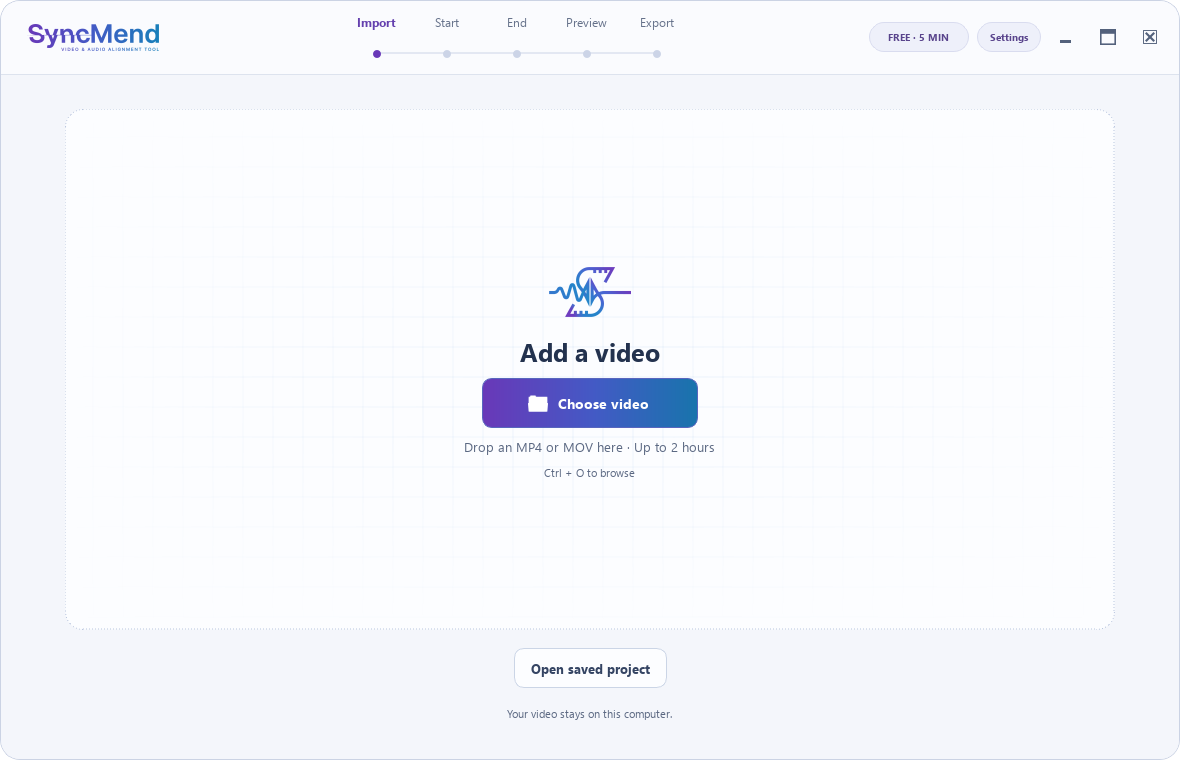
Open a supported MP4 or MOV. SyncMend reads the duration and audio track locally.
Loop a short clip and shift the sound until it matches. Fine-tune in 10 ms steps.
Set a second sync point. The app calculates the fixed offset and audio stretch needed.
Check the beginning, middle and end. Export a free five-minute sample, or unlock the full video.
HEAR WHAT CHANGES
This synthetic test pairs a visual flash with a beep. In the original, the audio drifts from early to late. Compare it with the corrected file.
30-second generated test, not a customer recording. Play one sample at a time with sound on. This demonstrates linear drift correction, not automatic lip-sync detection.
Your source video, previews and repaired file stay on your PC. SyncMend only contacts the licensing service for activation and paid export checks.
Read the draft privacy policy ↗No media uploadsNo footage, file paths or filenames are sent to the licensing API.
No video re-encodingFor supported inputs, the picture is copied and the audio is processed into AAC.
No account dashboardActivate inside the app with a license key. Paid exports currently need an internet connection.
SIMPLE, ONE-TIME PRICING
Free previews, a single full export, or Personal 1.x. Prices are in USD. PayPal purchases are not open yet.
FREE
$0 / to try
SINGLE EXPORT
$0.50 / successful export
PERSONAL
$9.99 / one-time
A failed or cancelled export normally releases its reserved credit. Interrupted exports may need recovery review. Personal covers version 1.x, not every future major version. How licensing works.
SyncMend is built for steady timing drift. It is not a general-purpose video repair app.
No. You set two sync points by listening and watching. SyncMend computes the timing correction from those points.
That is not steady drift. This version does not support sudden jumps, edited timing discontinuities or piecewise corrections.
It means unlimited full exports for SyncMend 1.x, with no subscription. It does not include all future major versions. The current licensing design requires online verification for full exports.
Not yet. PayPal is the planned payment method, but checkout is not open. No payment or order is created on this website.
Open the license panel in the app, paste your key, then select Activate license. Read the activation guide.
Practical reading before your next repair.
Learn what changes over time, and what stays the same.
Find moments you can hear and see clearly.
Use all three previews before the full repair.
The public release is being prepared. Downloads will open after the installer, licensing service and release checks are ready.
DownloadPre-release · No mailing list or payment details collected here
Browse the help center ↗